Garmin today has announced a new WhatsApp integration that lets you compose and reply to WhatsApp messages/threads directly from the watch. The integration is done via a new Connect IQ app, which can be loaded on more recent Garmin watches.
I had a chance to give it a whirl, so I figured I’d outline what works (and what doesn’t). With that, let’s dive into it.
Download and Setup:
First up is seeing if your watch is on the list. In short, if your watch was released in 2025 or 2026, you’re good. But unless it was the Fenix 8 in 2024, you’re likely out of luck. Here’s the list as of launch (which I don’t expect to expand to older devices):
D2 Air X15
Enduro 3
Fenix 8 Series
Fenix 8 Pro Series
Fenix E
Forerunner 570
Forerunner 970
Tactix 8 Series
Venu 4 Series
Venu X1
Vivoactive 6
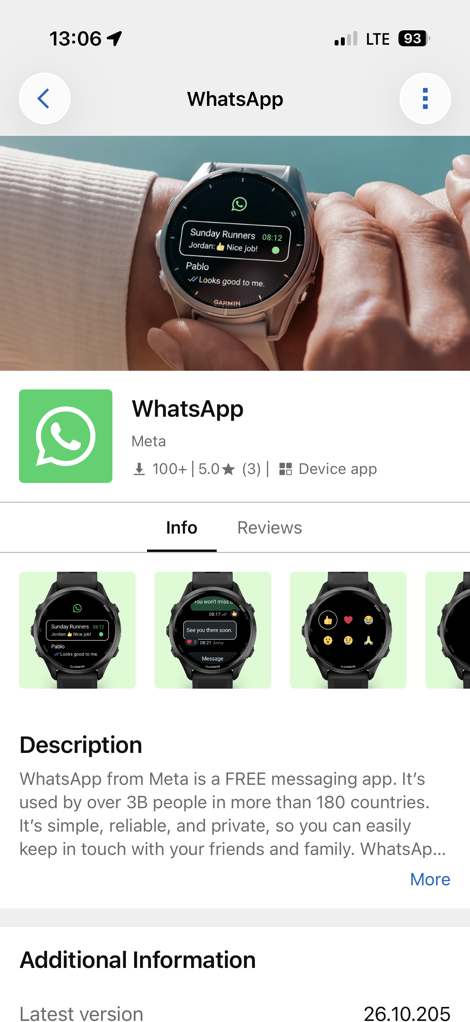
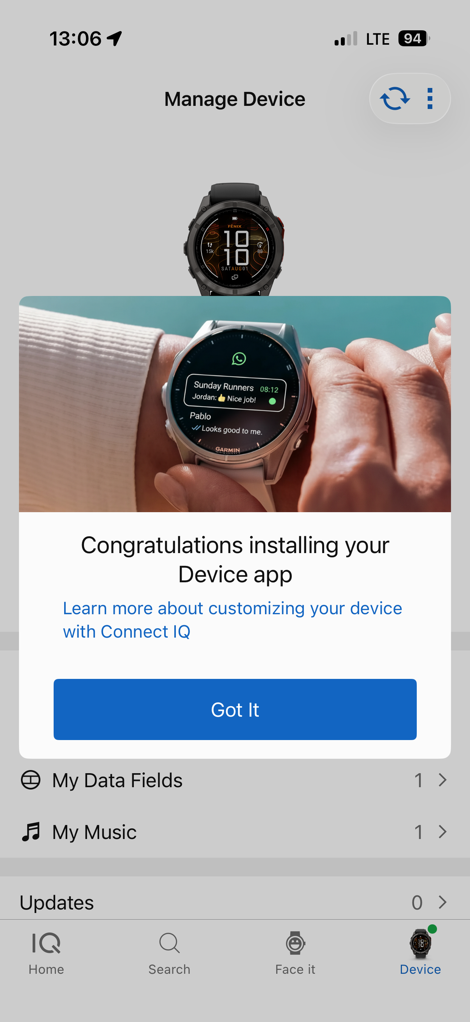
Once you’ve passed that gate, the install process is pretty quick. On your phone navigate to the Connect IQ app, and you’ll see WhatsApp at the top of the list. Or, you use this link. Within that, it’ll install it to your watch. It’s installed in a similar place as other full apps/sport apps (like Garmin Share), rather than a widget/glance.
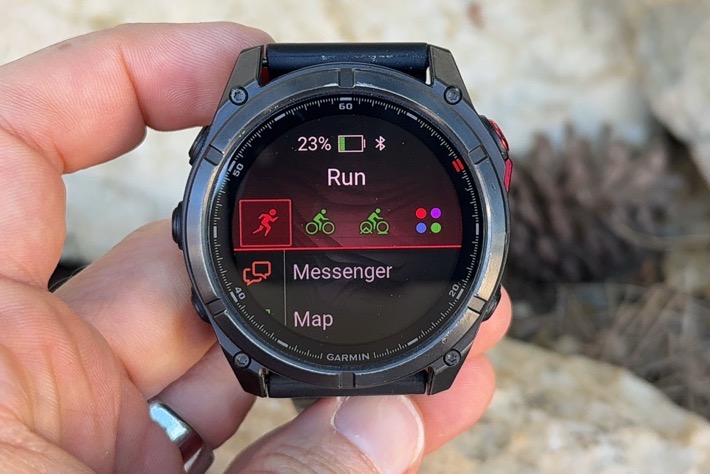
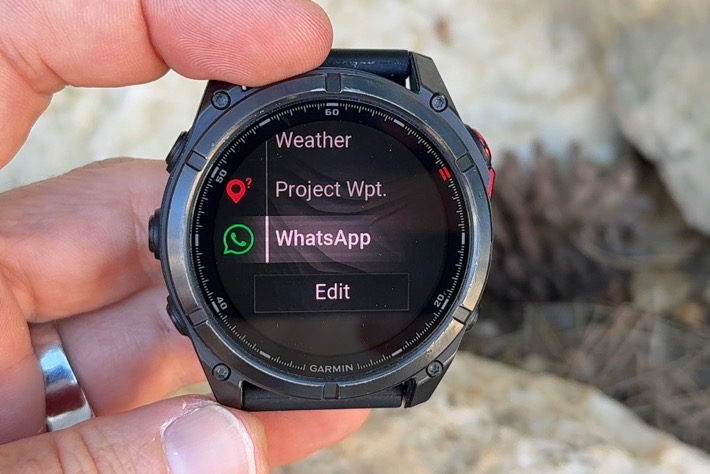
Once installed, you’ll open it up. Again, it’s found in the same place as if you were to go start a sports activity, but scroll down:
From there, it’ll ask you to link it up using a QR code. Interestingly, you’ll do this twice, seemingly as a double-confirmation that you are who you say you are:
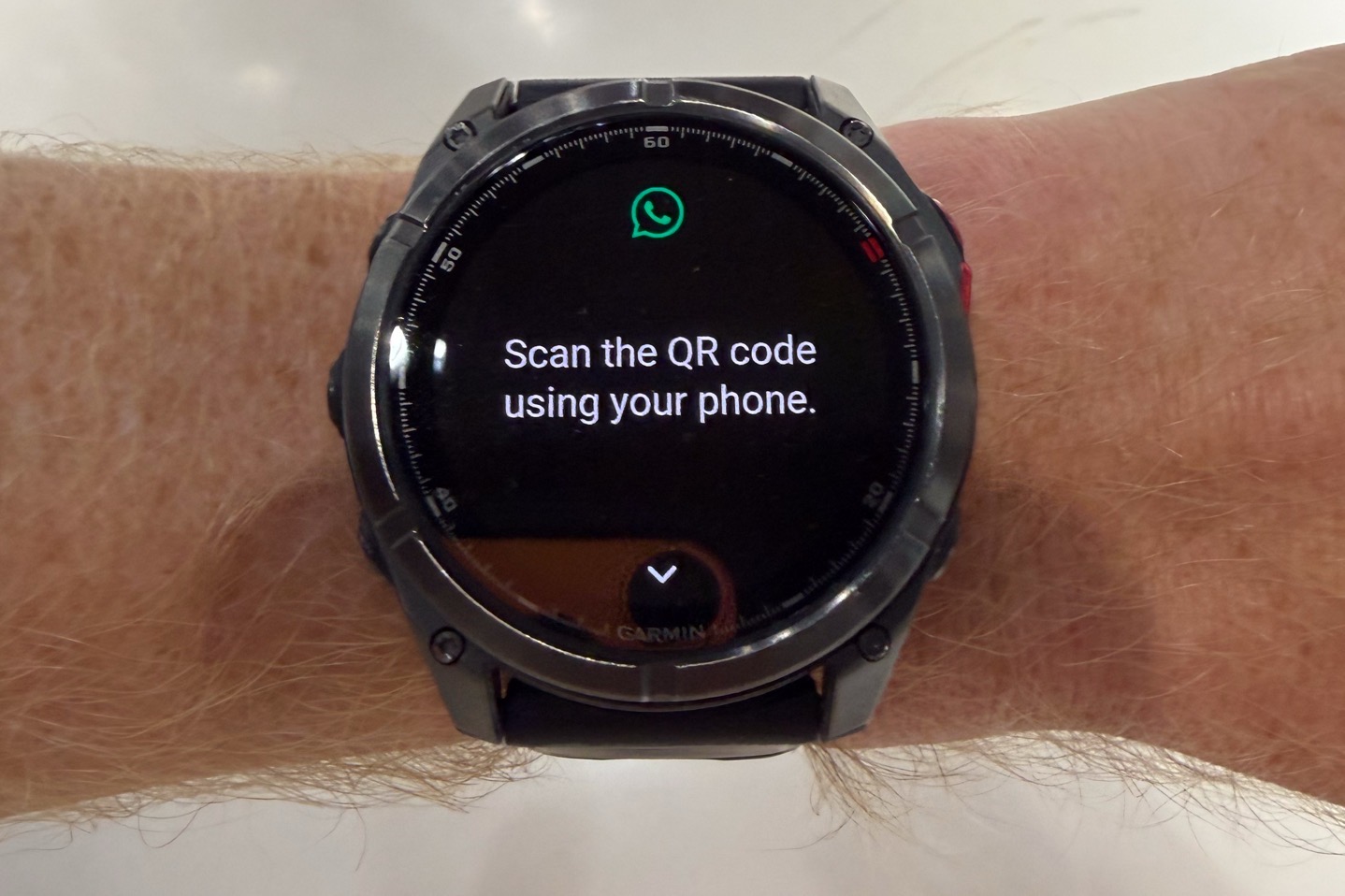
Once that’s done, you’ll be logged in, and you’ll likewise see it as a connected device within the WhatsApp app on your phone.
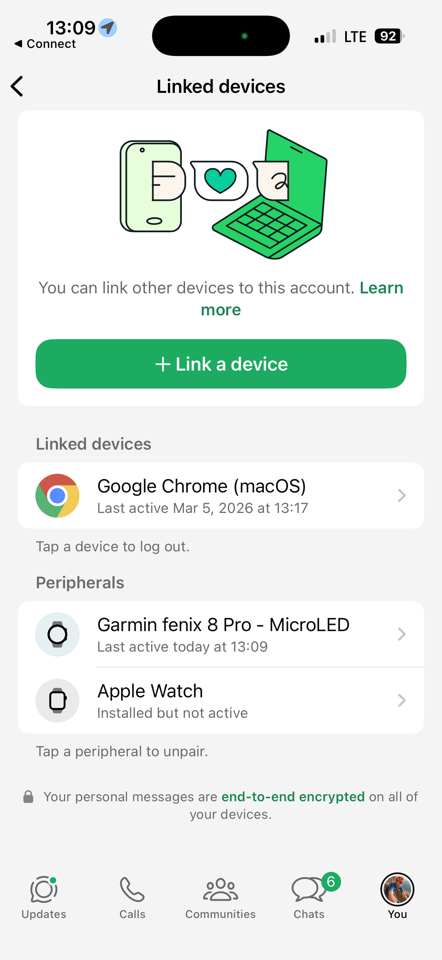
With that, we can start using it.
Using WhatsApp:
Once opened up, you’ll see your 10 most recent conversation contacts, and then within that, the 10 most recent messages for each one.
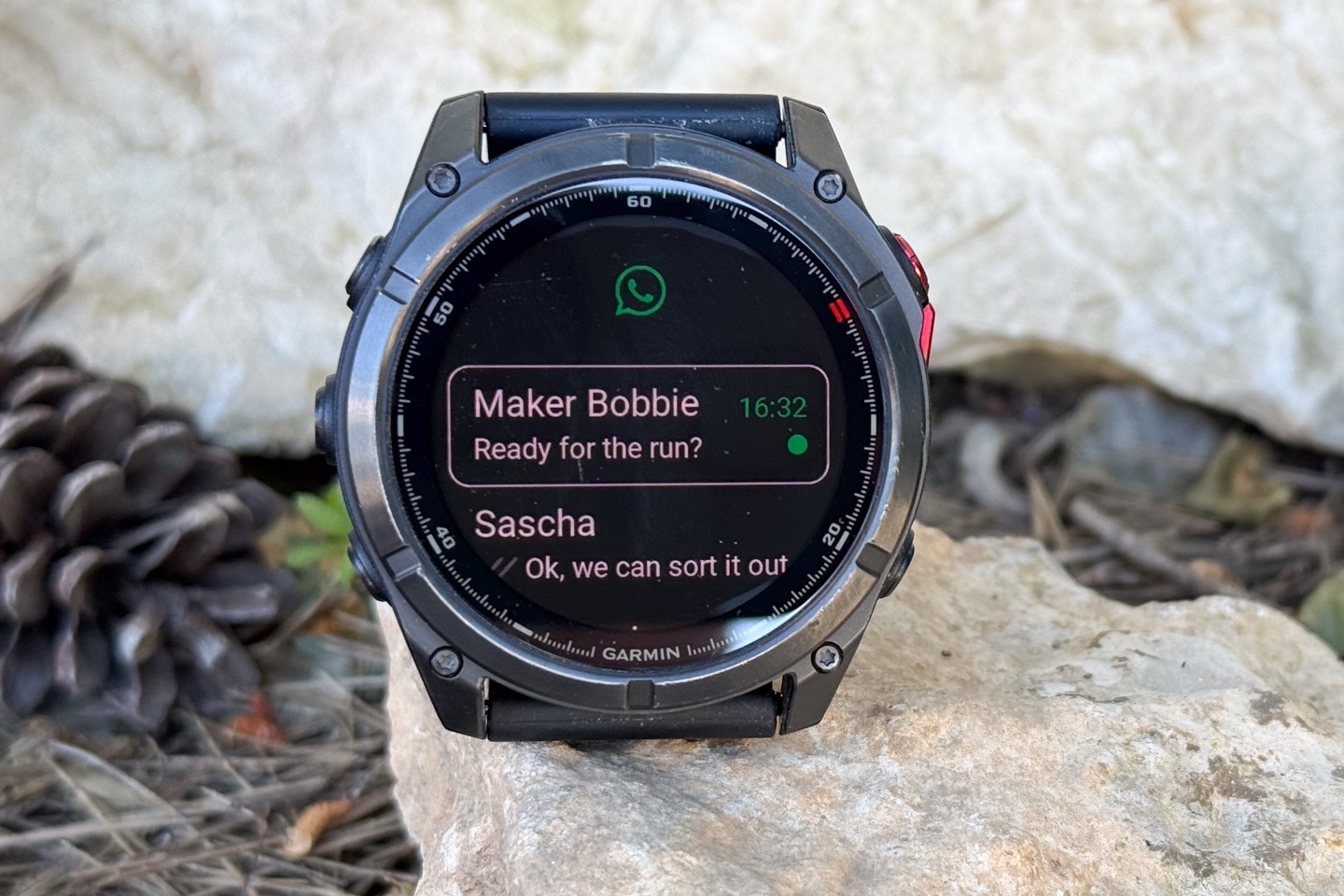
You can open up a conversation to read text messages, as well as reply/compose a new message.
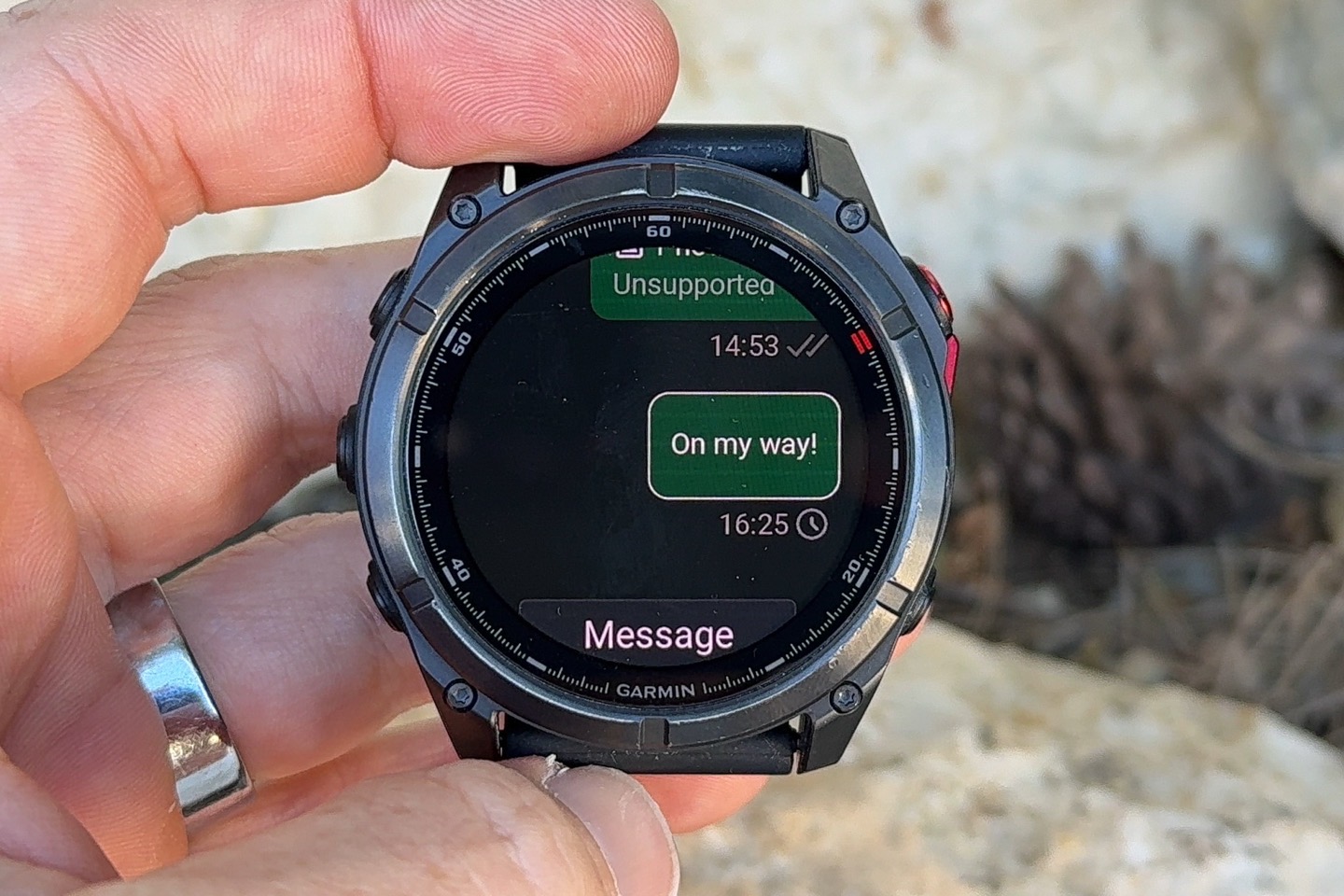
When you do that, you’ll see the option to type out a message using the mini-keyboard, or, choose from a list of six quick replies.
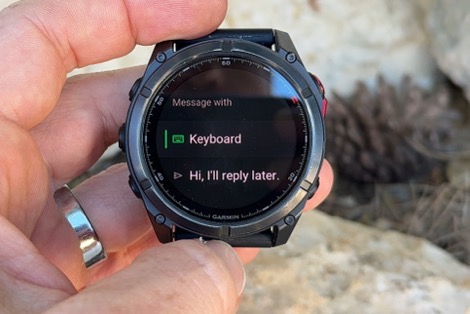
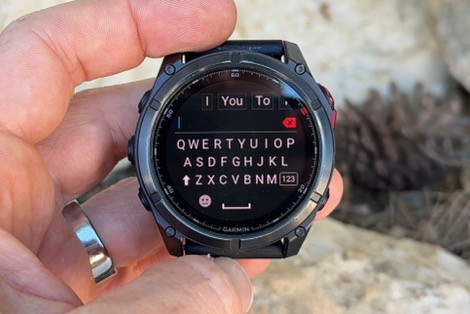
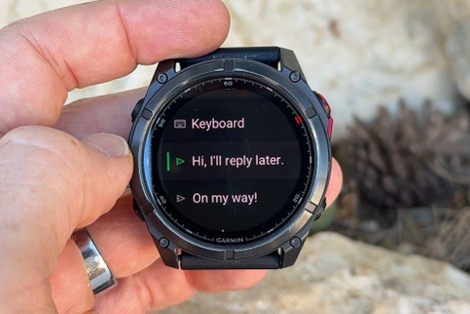
Meanwhile, when new messages come in, they’ll first show up as a WhatsApp message kinda like before. Except, now there’s an option to open it up:
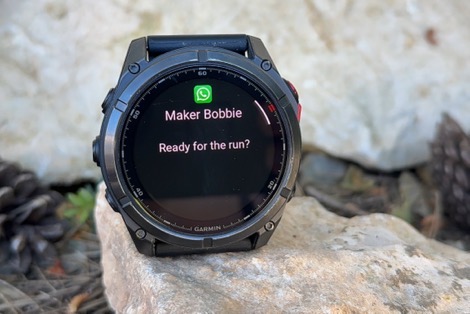
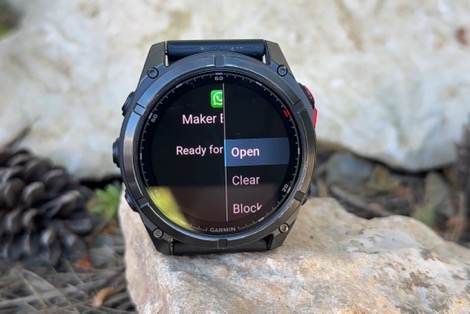
When you choose to Open, it’ll open up the message within the WhatsApp App on your watch, where you can then see the full message and reply accordingly. This works fine, though is somewhat of a double-open step that takes a moment.
When it comes to the message content, it appears only text comes through. All other imagery is ‘unsupported’ including photos from my phone, stickers, GIF’s, and then photos taken from the camera within the WhatsApp app (I tried, just in case it was different):
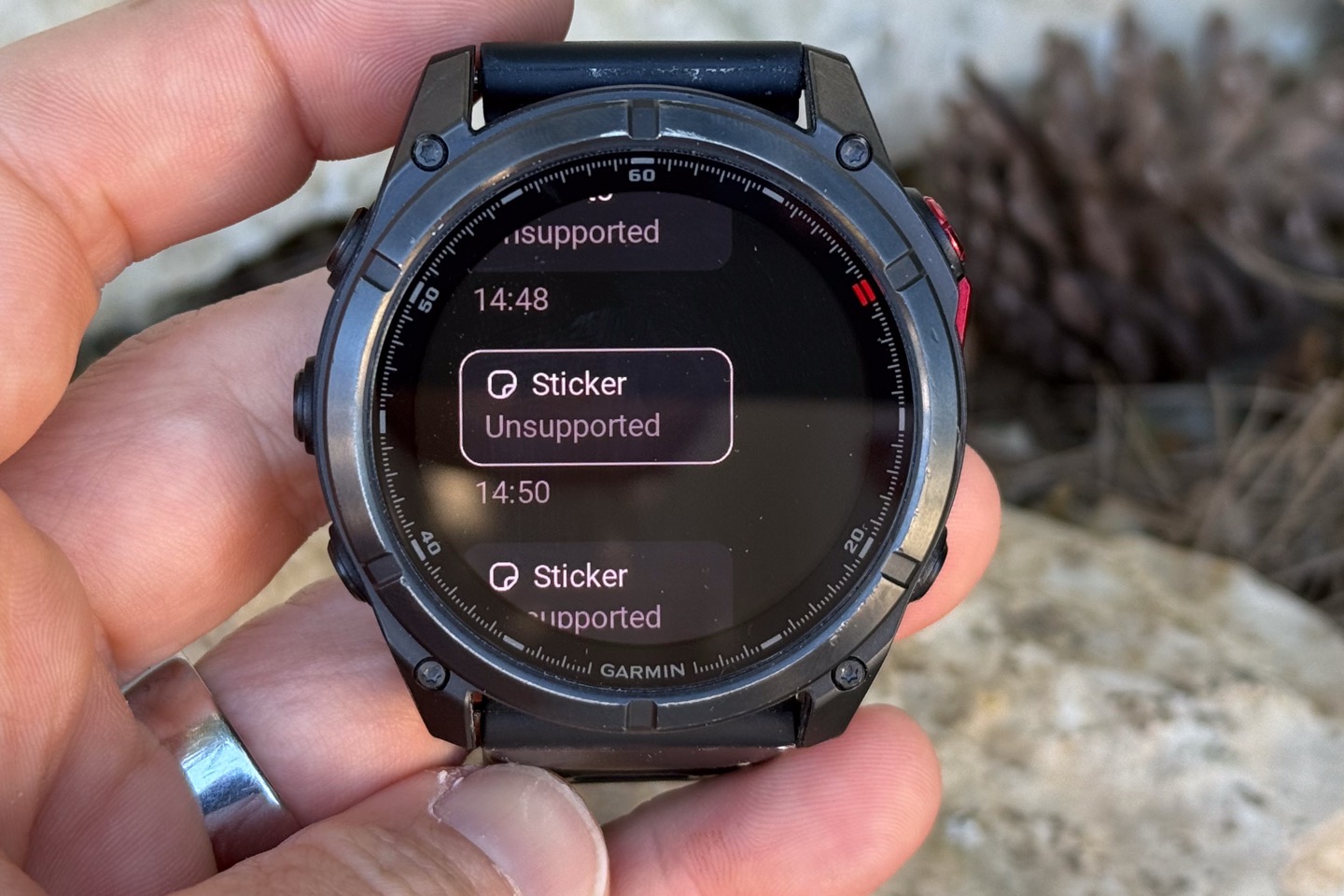
To me, this is kinda the biggest disappointment. Given Garmin watch users on iOS are unable to see regular text/iMessage photos (due to current Apple limitations), this would have sidestepped that. After all, Android users can do so without issue on Garmin watches (including replying). But here, the lack of imagery is sorta a big gap in my opinion. Or, maybe I just like pictures.
Finally, the other gap is that this doesn’t work over LTE on Garmin’s Fenix 8 Pro series of watches, which have a built-in cellular connection. All of this *requires* your phone be connected to your watch and nearby, else it just hangs/circle. Still, this can be useful for answering quick texts in the shower (e.g. yes/no), which tends to be the only time I answer something from my watch (mostly on my Apple Watch). Else, I’m going to default to my phone.
Wrap-Up:
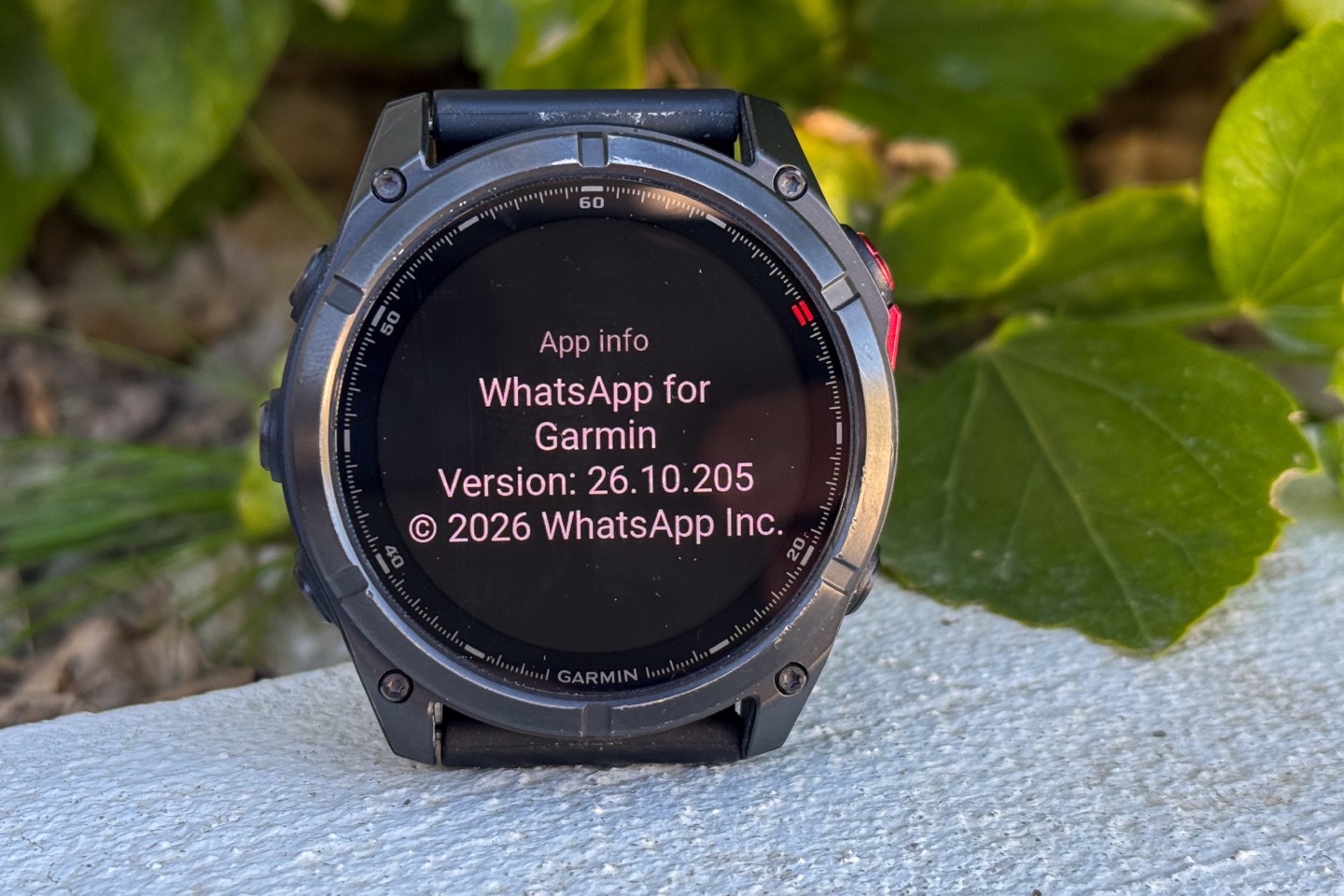
Having some level of WhatsApp integration with Garmin has long been asked for, and now that’s finally here. I suspect the usefulness of this will depends a bit on how much you use WhatsApp (versus native messaging apps, primarily on iOS), and then how you use WhatsApp. If you tend to have threads with lots of photos, you might not find this as valuable. Whereas if you just want quick text replies, this can be handy when your phone is slightly out of reach (such as in a backpack on a hike, or when you’re in the shower, perhaps in the swimming pool at the end of the lane line, etc…).
I’m hoping/optimistic that this is just the first step of this integration, and some of the limitations will go away. I’d love to see this work over Garmin’s LTE connection, since having apps work over that would unquestionably be the future of the company. After all, that’s what consumers expect.
Still, it’s good to see movement on these types of integrations that favor more the smartwatch-side features, just as it is good to see other new features that favor the sports integrations.
With that, thanks for reading!


0 Commentaires